For Employer
Making Recruitments Streamlined & Hassle Free

Features
Easy Job Posting
Post jobs in just a few steps with clear forms and smart suggestions. Add details like role, skills, and salary effortlessly, and make your job live instantly.
All-in-One Hiring Journey
From posting a job to reviewing applicants, shortlisting, interviewing, and hiring — everything happens inside one app, keeping your entire process seamless and organized.
Smart Interview Scheduling
Schedule, reschedule, or cancel interviews with a single tap. Get reminders, track candidate availability, and keep your hiring on time without confusion.
Effortless Candidate Management
Easily shortlist, reject, or track candidates at every stage. View complete profiles, resumes, and activity in one place to make confident hiring decisions.
Pricing & Plan
Free
₹0 / month
For Now Free & Unlimited
- Post unlimited jobs
- Manage unlimited candidates
- Edit job posts any number of times
- Schedule Interview
- Detailed candidate profiles & shortlisting
- Basic reporting (applications)
Your Journey as a Employer
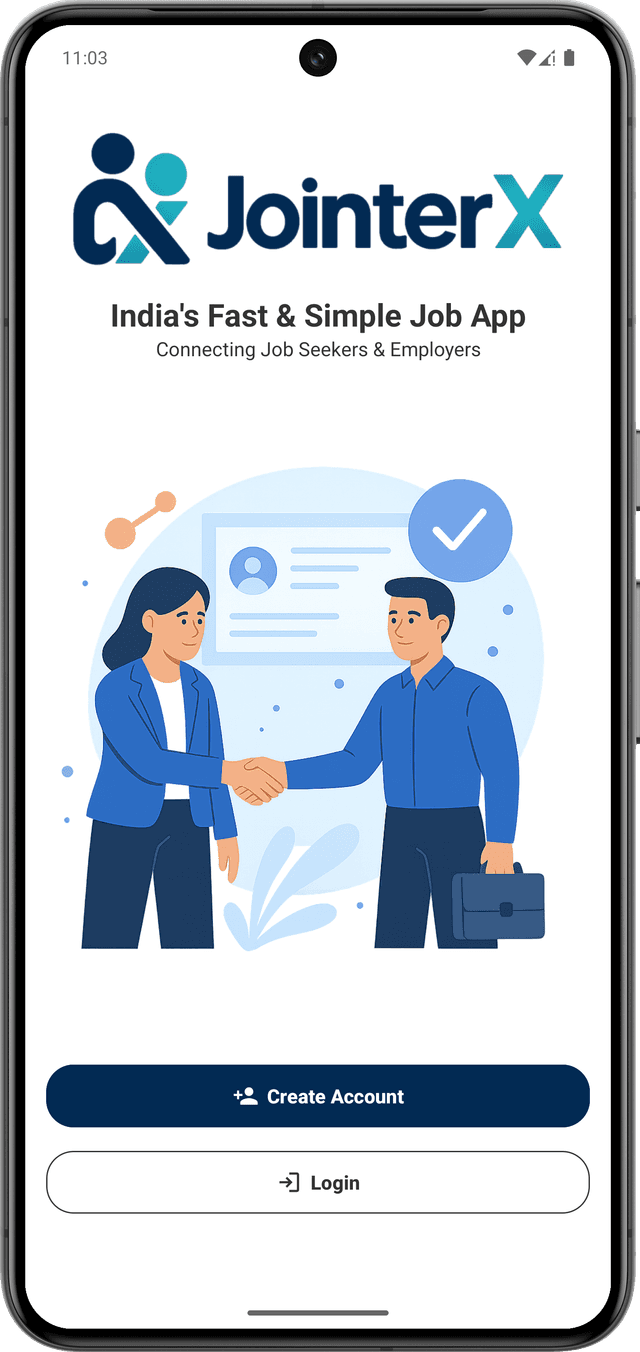
Welcome Screen
Begin your journey on JointerX — create a new account to get started, or log in to continue where you left off.
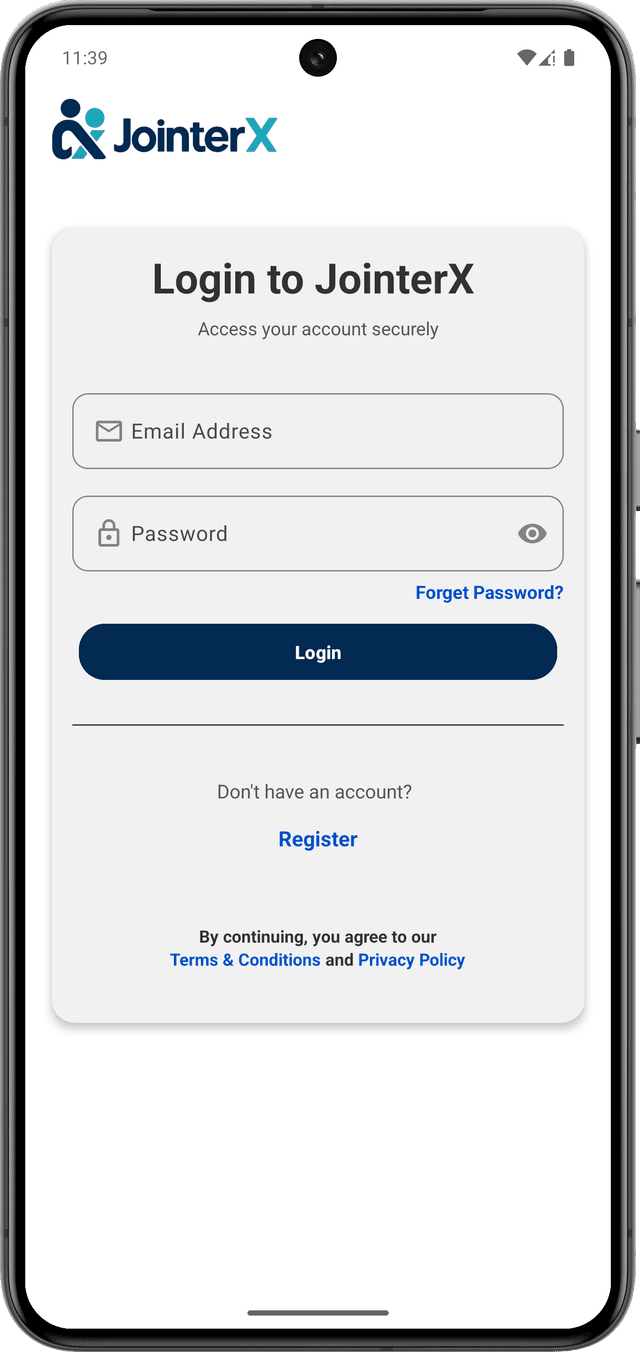
Login Screen
Existing employers can log in using their credentials. New users can tap on 'Register' to create a new account.
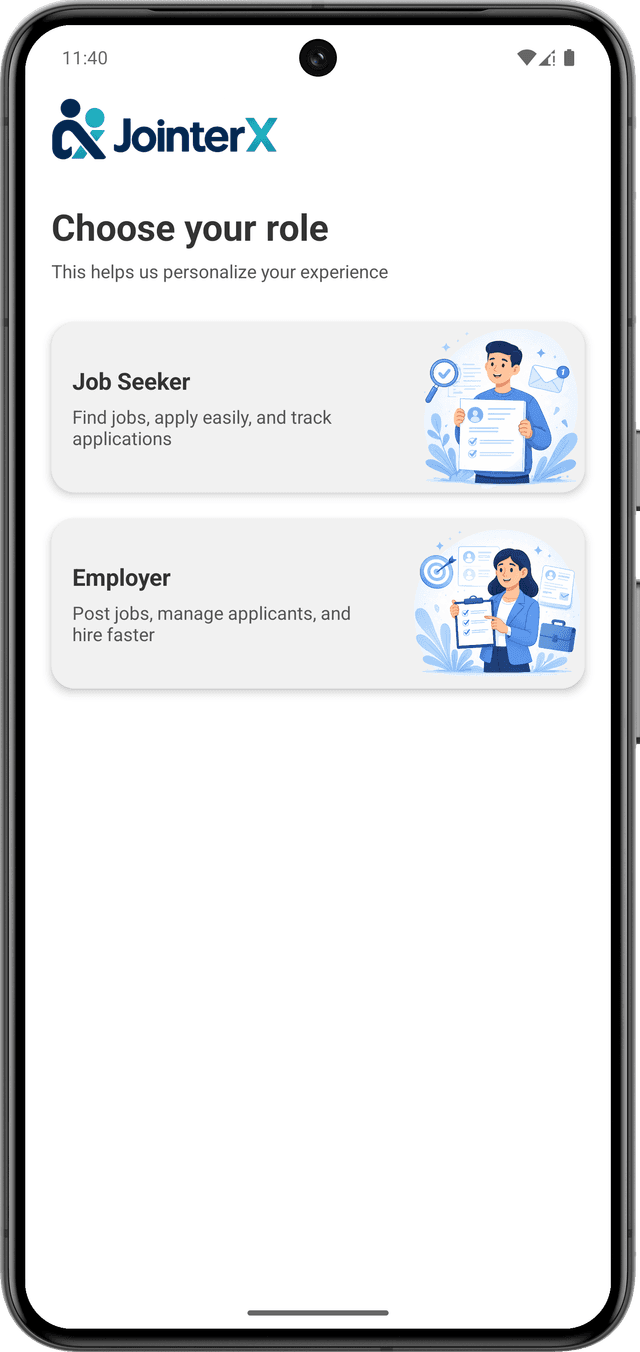
Role Selection
During registration, choose your role. Select 'Employer' to proceed with employer onboarding.
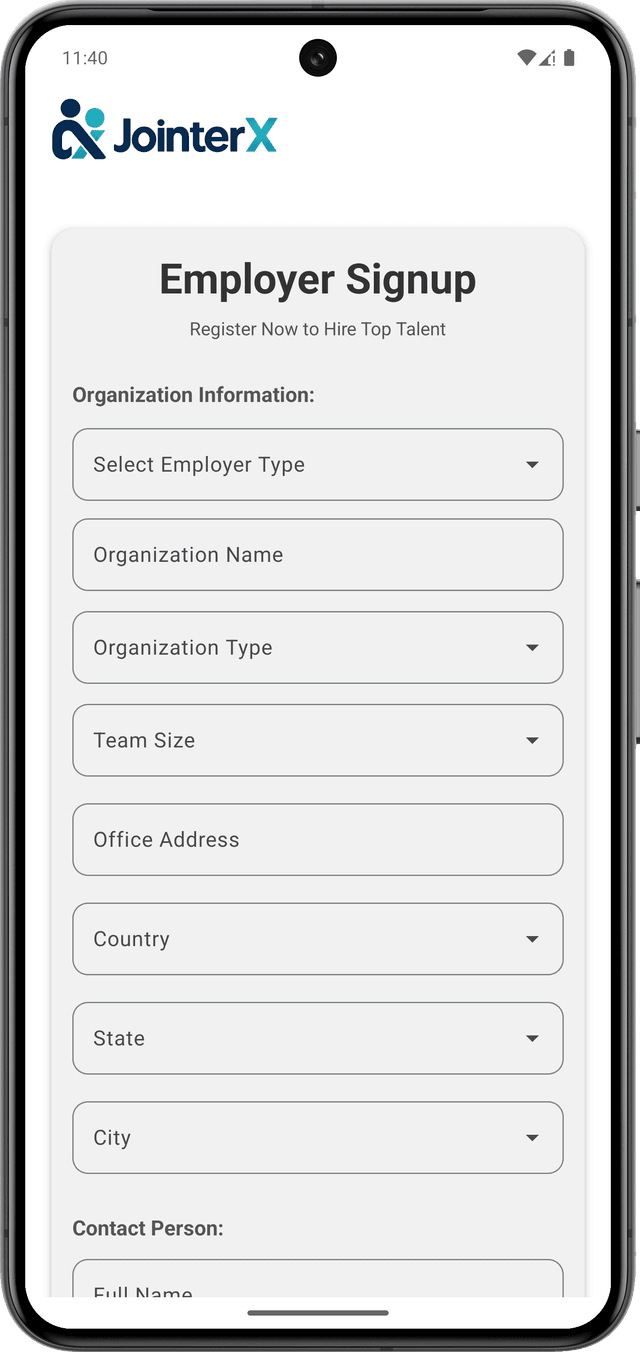
Employer Signup
Provide company and contact details to complete employer registration.
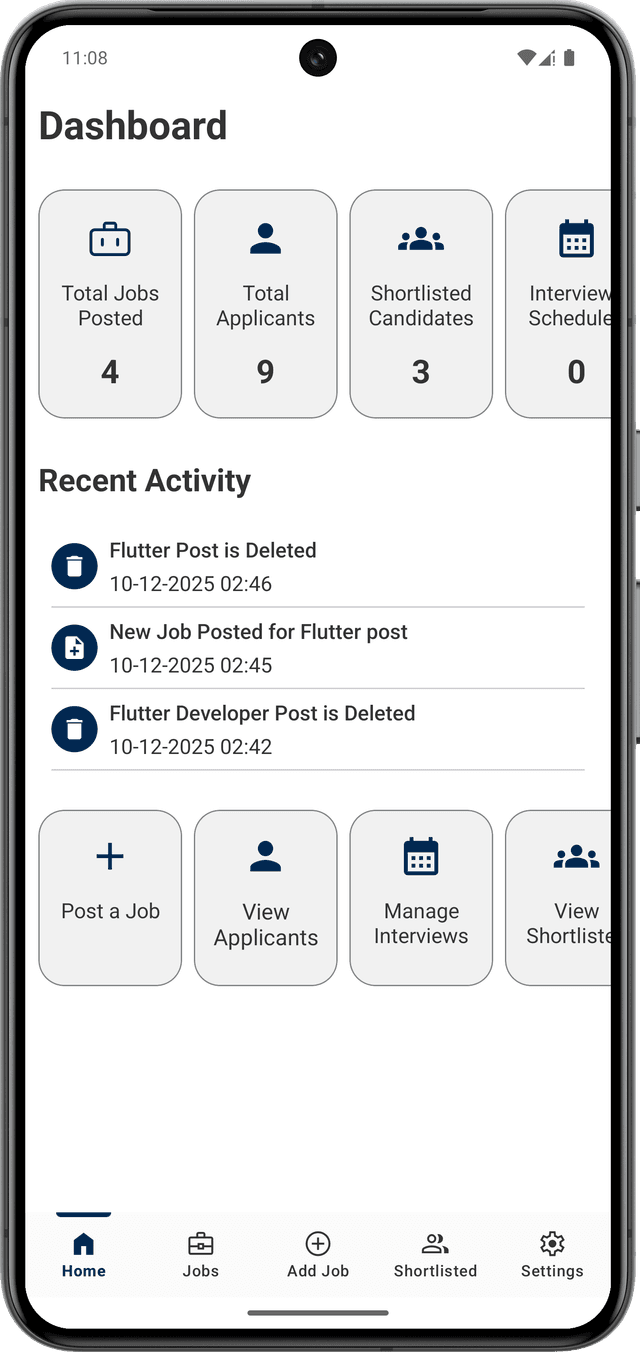
Employer Home Screen
After successful login or signup, you are redirected to the employer home screen.
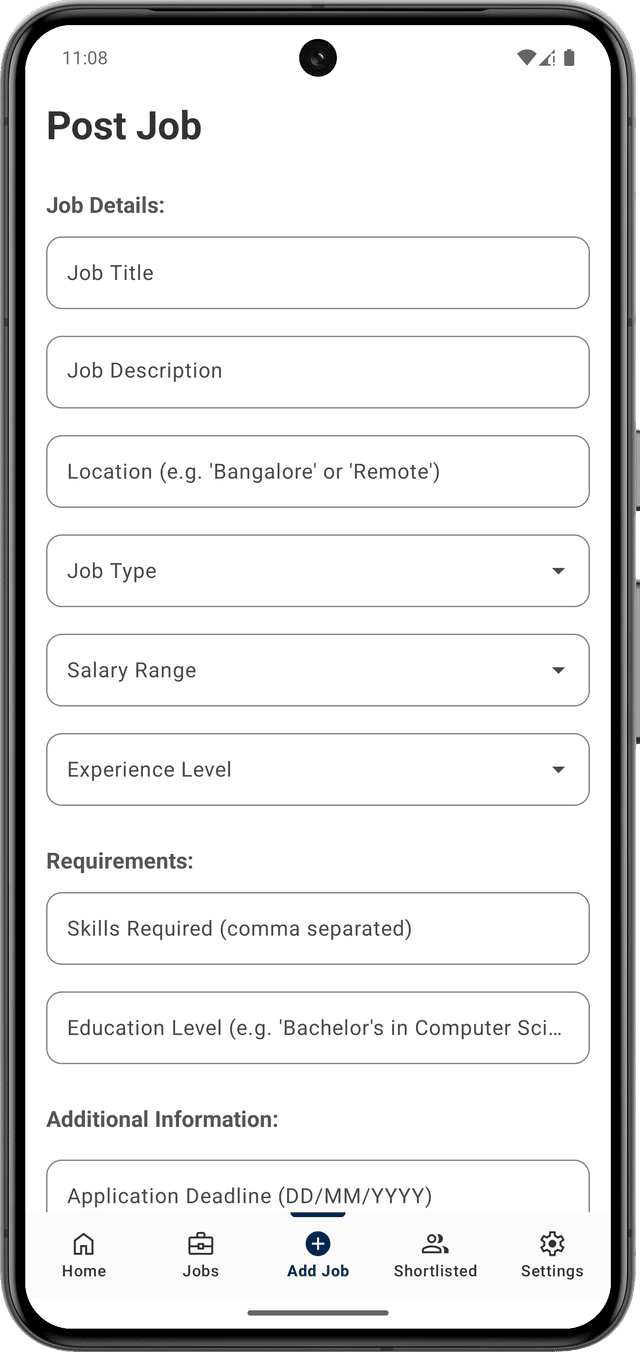
Add Job
Post a new job by tapping on the 'Add Job' option from the bottom navigation.
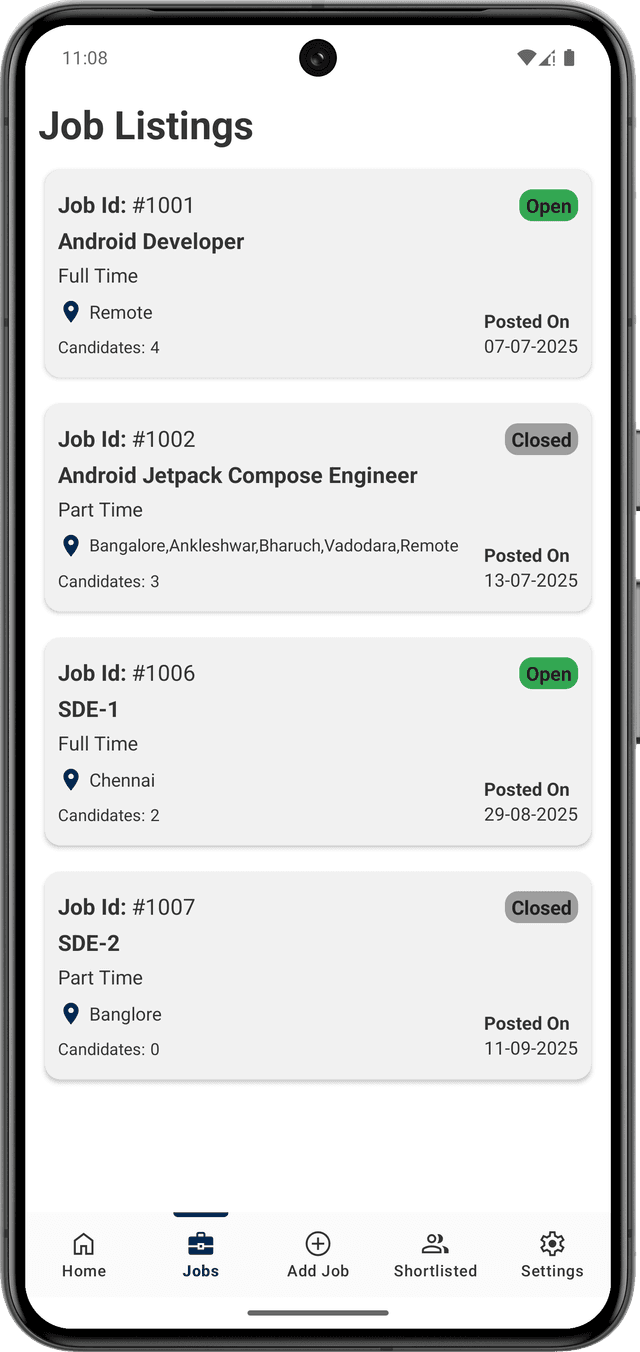
Manage Job Listings
View and manage all your posted jobs from the Jobs section.
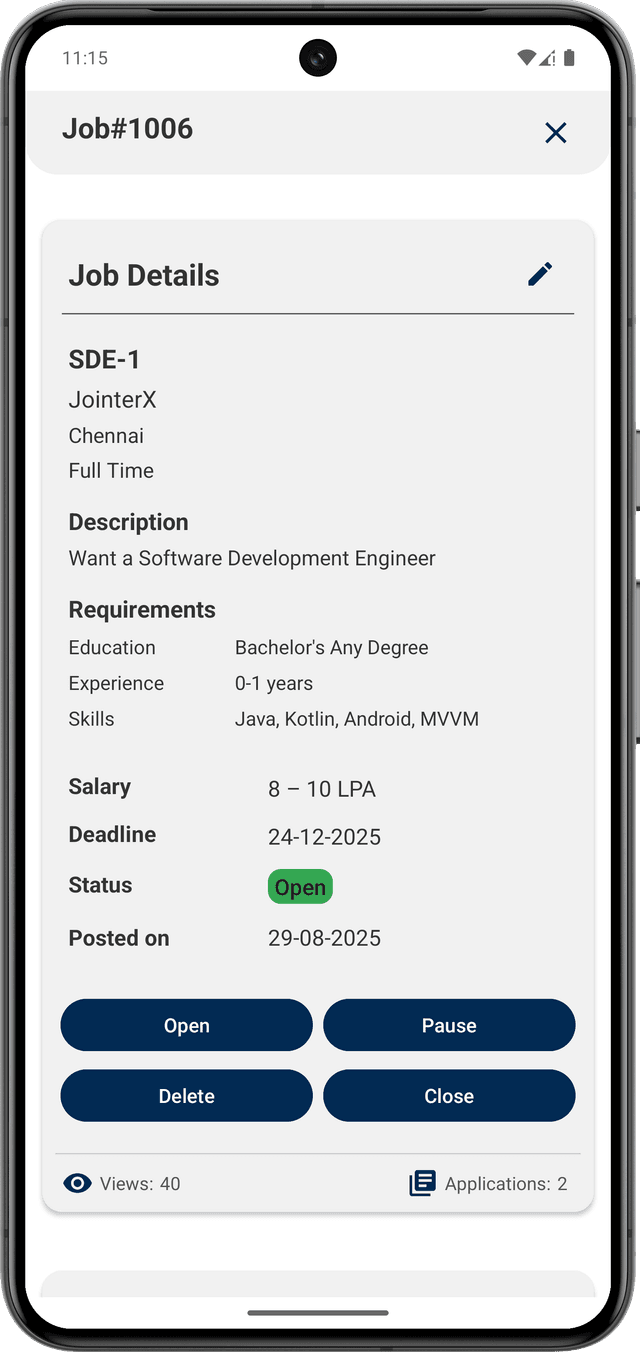
Job Details & Applicants
Open a job to view complete job information along with all applicants.
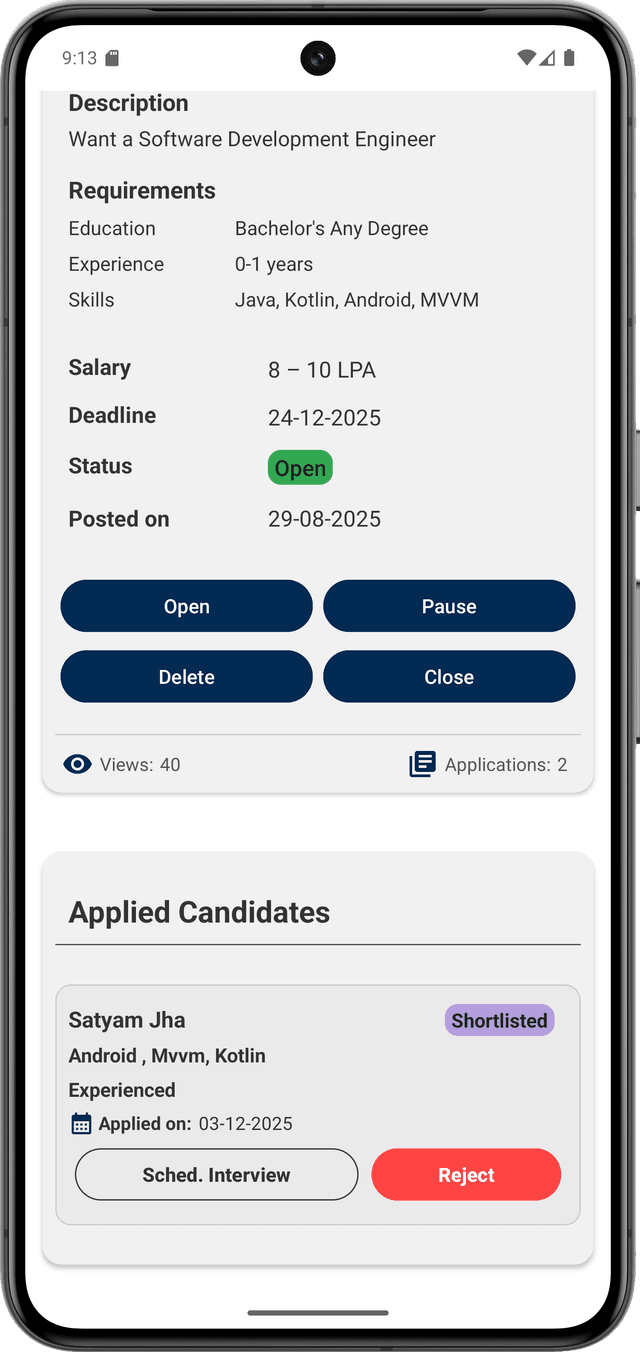
Applicant Actions
Shortlist, reject, or schedule interviews directly from applicant cards.
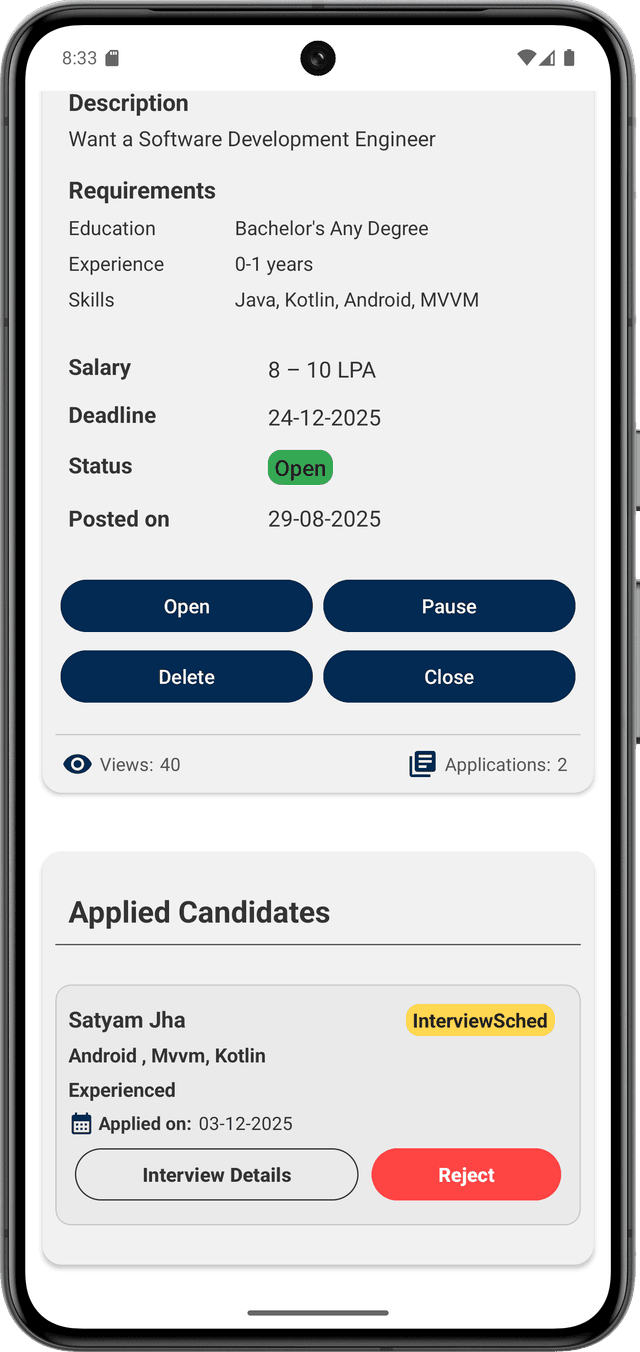
Interview Scheduled
The interview has been scheduled. You can view the complete interview information by tapping on the 'Interview Details' button.
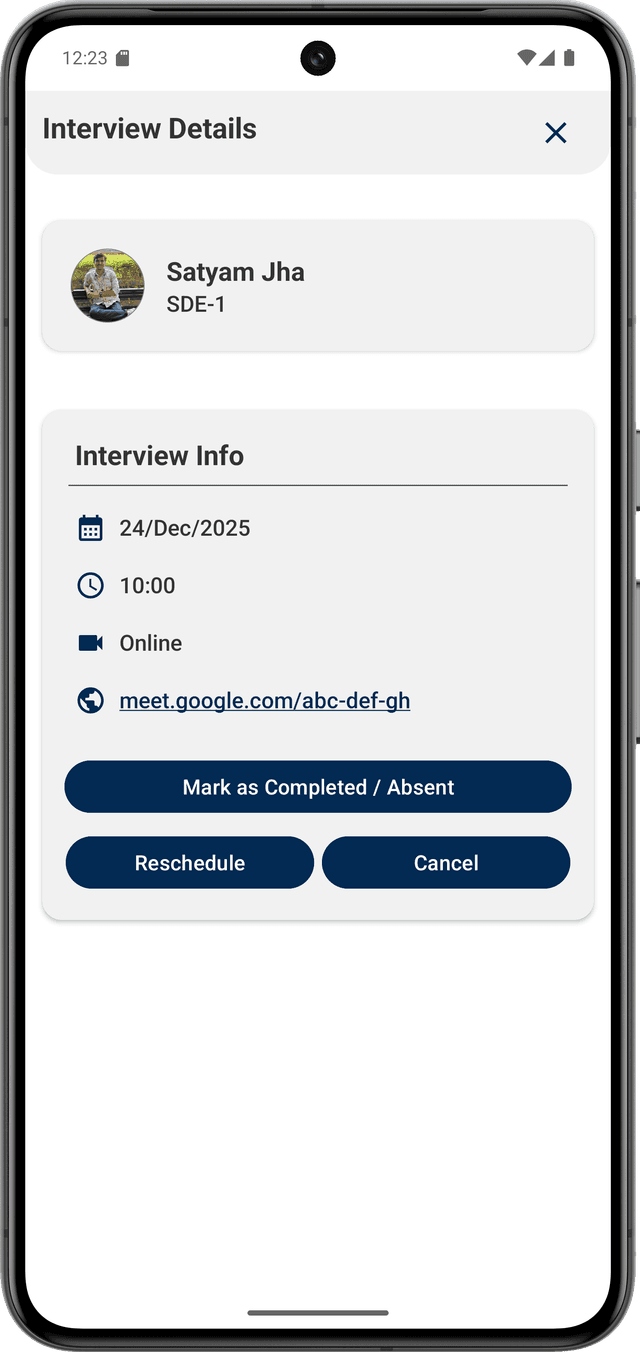
Interview Details
View interview information and manage actions such as rescheduling or completion.
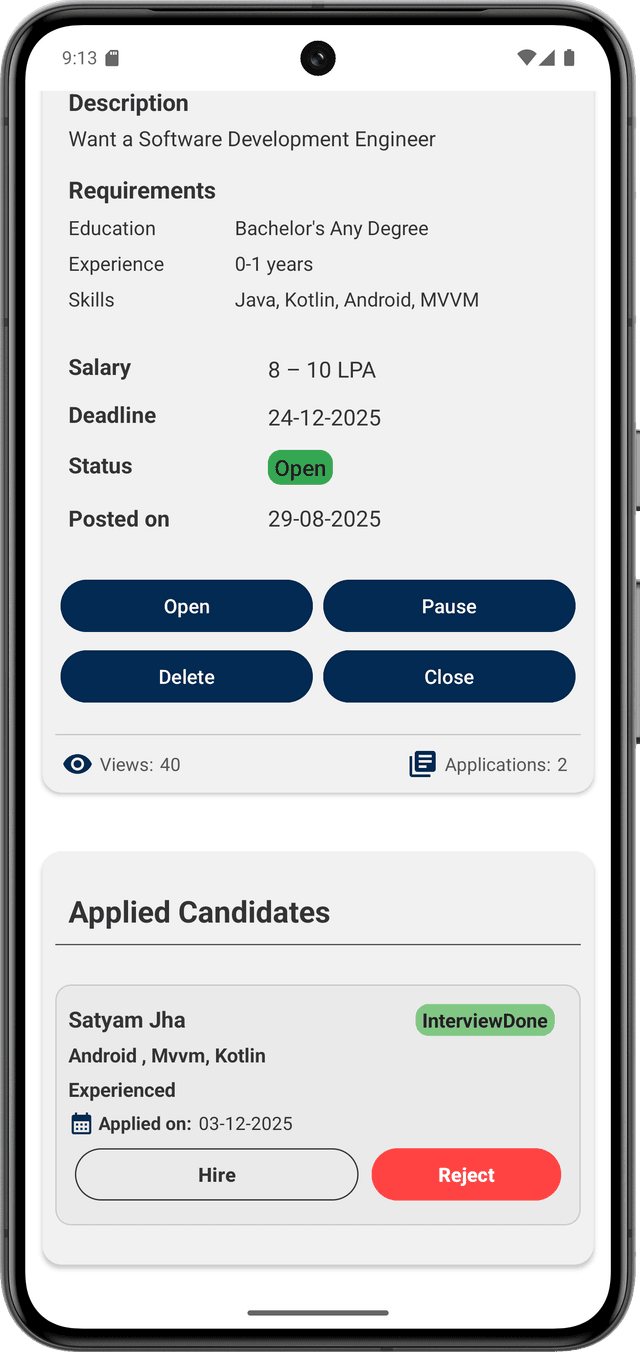
Hire or Reject Candidate
After the interview, mark the candidate as hired or rejected to complete the hiring process.
Hire Smarter. Hire Faster.
Post your openings, connect with registered candidates, and manage the entire hiring process — all inside one app.
Use JointerX to reach candidates and hire efficiently.